Seven modules. One strip.
This is the big one.. the one I've been building the longest. Console, rail, neural, dynamics, EQ, finisher and a true-peak limiter. A lot of it I fitted to analysis, then broke back down into parts you can combine yourself. Oh, and strips on different tracks talk to each other. Plus the everyday stuff: a preset browser that auditions presets live on your sound, Auto Gain (match loudness or peaks), two bypass modes, and licence and updates built right in.
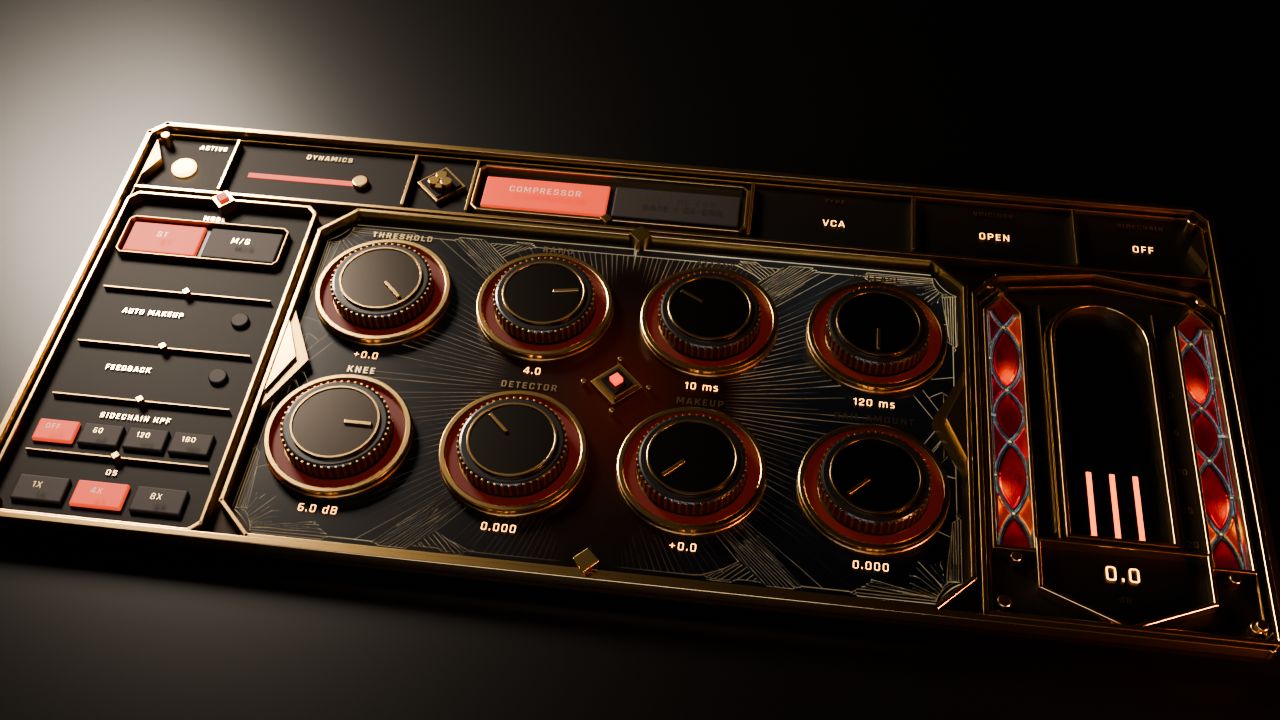
Dynamics · Cinematic skin · rendered from the plugin's own 3D source
Ok, have a listen.
Hit play and flip between Dry and Spanda. I matched the loudness on both, so you're hearing what it actually does.. not just "louder sounds better".
Build the compressor part by part.
Ok this is my favourite room in here. Switch Dynamics or EQ to CUSTOM and every stage of the circuit turns into a slot you fill yourself. Each part tells you what it does and what I'd use it on. Go ahead, pick some parts below.. or start from a recipe if you just want to hear something.
Watch the walkthrough.
Every module, how to get around, and a vocal strip from scratch. Long one.. it's a big plug-in.
I'd rather show you than tell you.
I ran every one of these offline through the plugin itself at 48 kHz. The settings I used are under each plot, so you can check my work.
Every module, three skins.
Pick a module, then a skin. Cinematic and Clear are 3D renders, Smart is the flat modern one. Yes I made all three for every module.. no, I don't regret it.
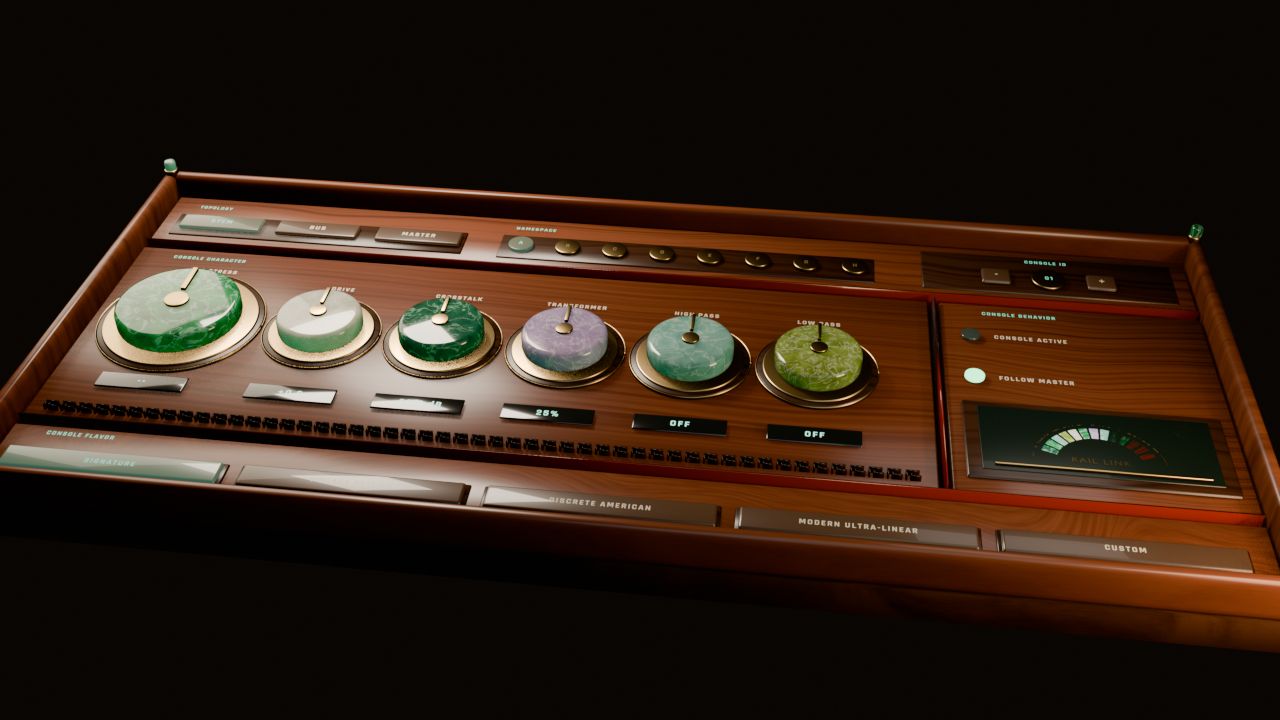
Linked strips
Set a strip to Stem, Bus or Master and it finds the strips on your other tracks and links up. Pick a console flavour too: Signature, Vintage British, Discrete American, Modern Ultra-Linear or Custom.
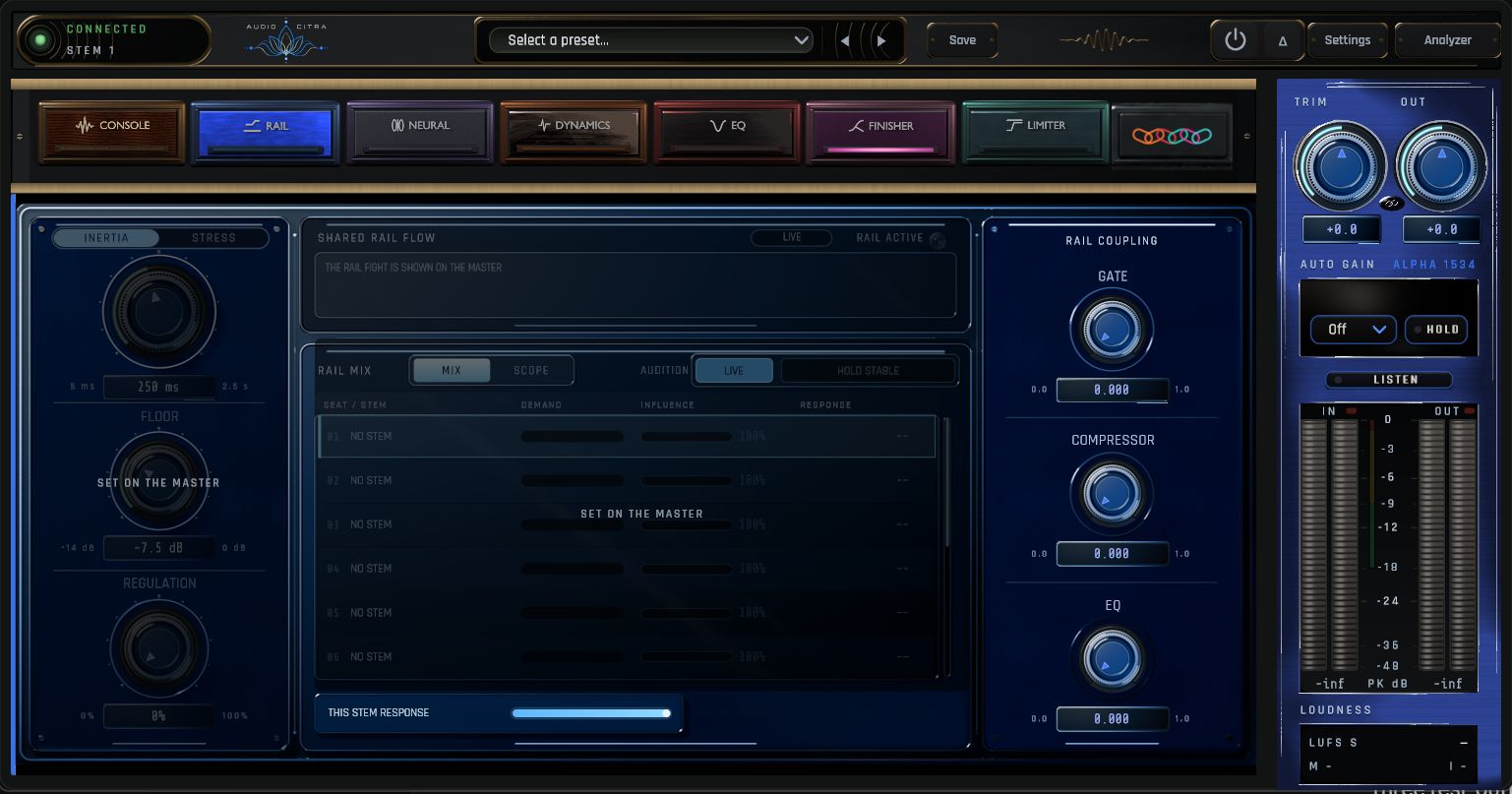
Shared flow
Passes level and energy between linked strips, so the mix moves together. The display has 11 analyzer styles.. SPIRALS is my new favourite, a spectrum fountain that finds resonances for you.
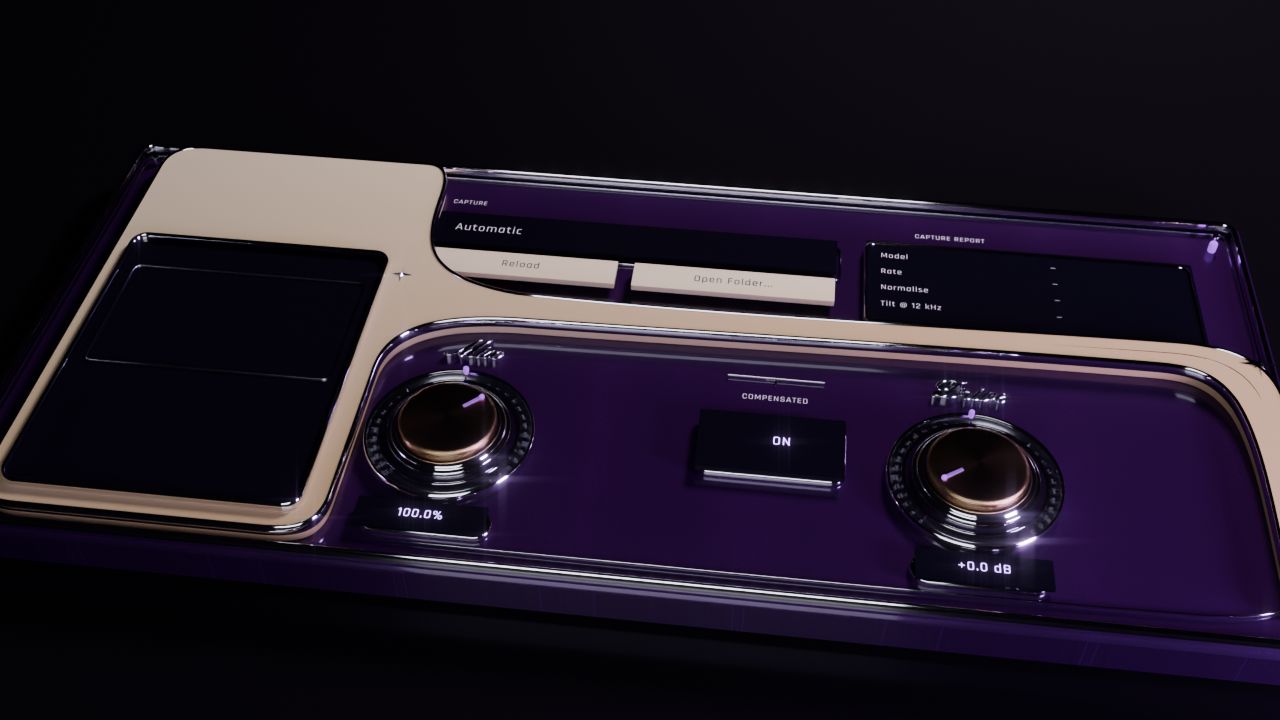
Your captures
Load your own neural capture files, then dial in Drive and Mix.
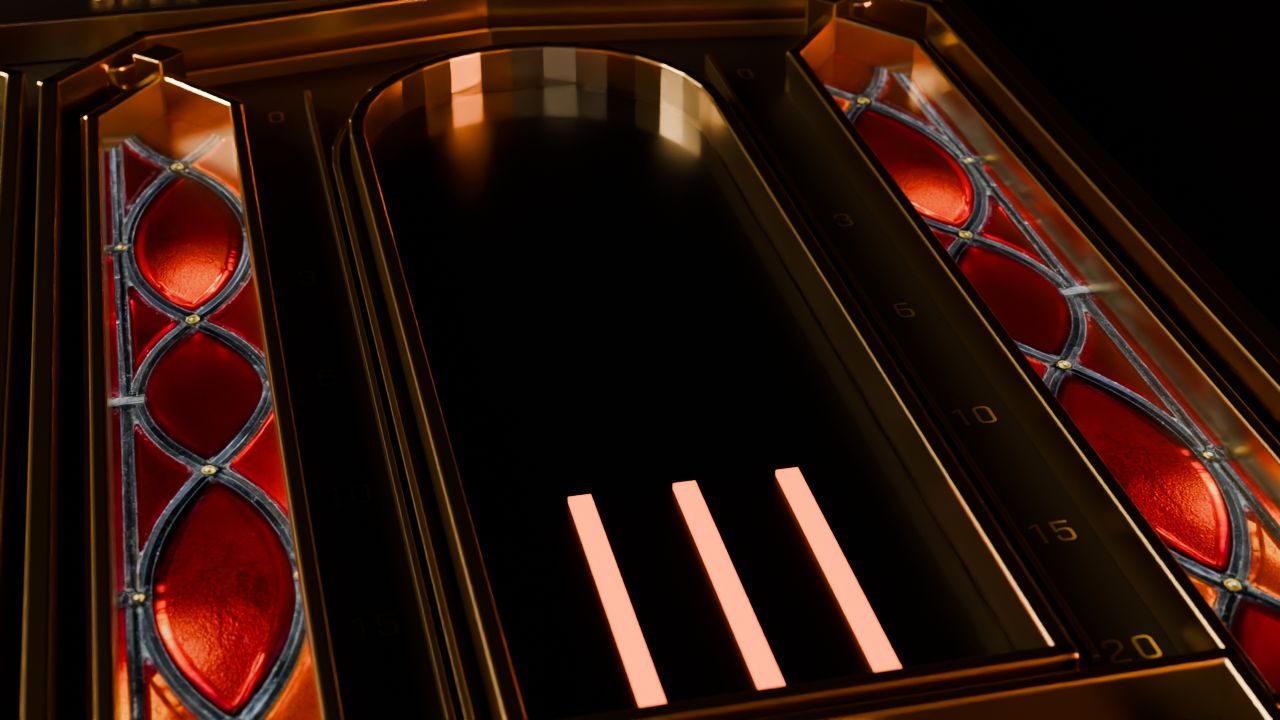
Voicings or parts
Pick a compressor voicing.. or build your own from parts. There's a gate and de-esser in here too, and it all runs stereo or mid-side.
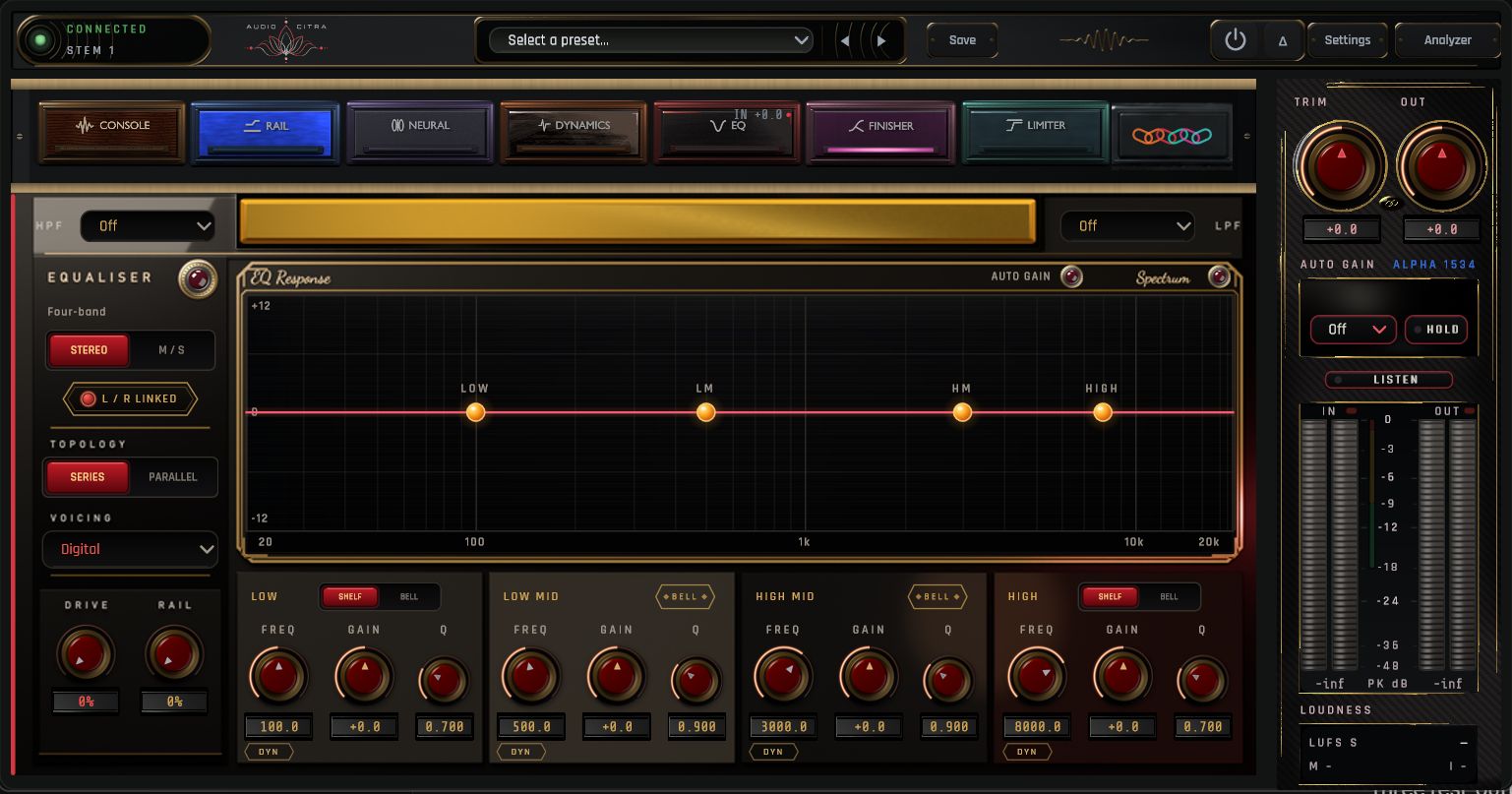
Four bands
Bells and shelves, six EQ voicings, series or parallel, stereo or mid-side.. and a new Macro curve that tilts and smiles the whole thing before the bands.
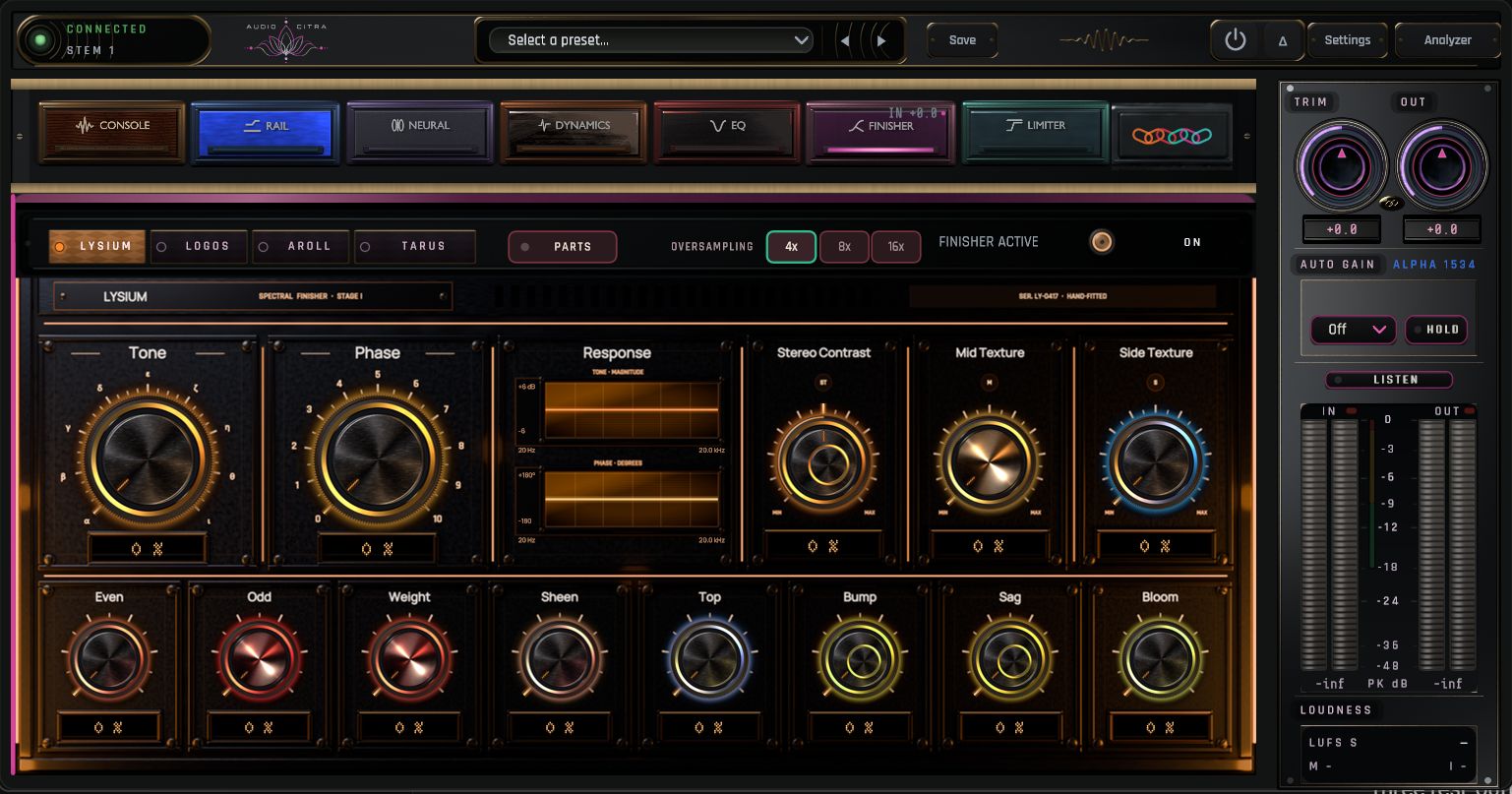
Colour and clipping
Lysium, Logos, A-Roll, Tarus and Kill: preamp colour, tube, tape (15 or 30 IPS, with heat) and a couple of clippers.
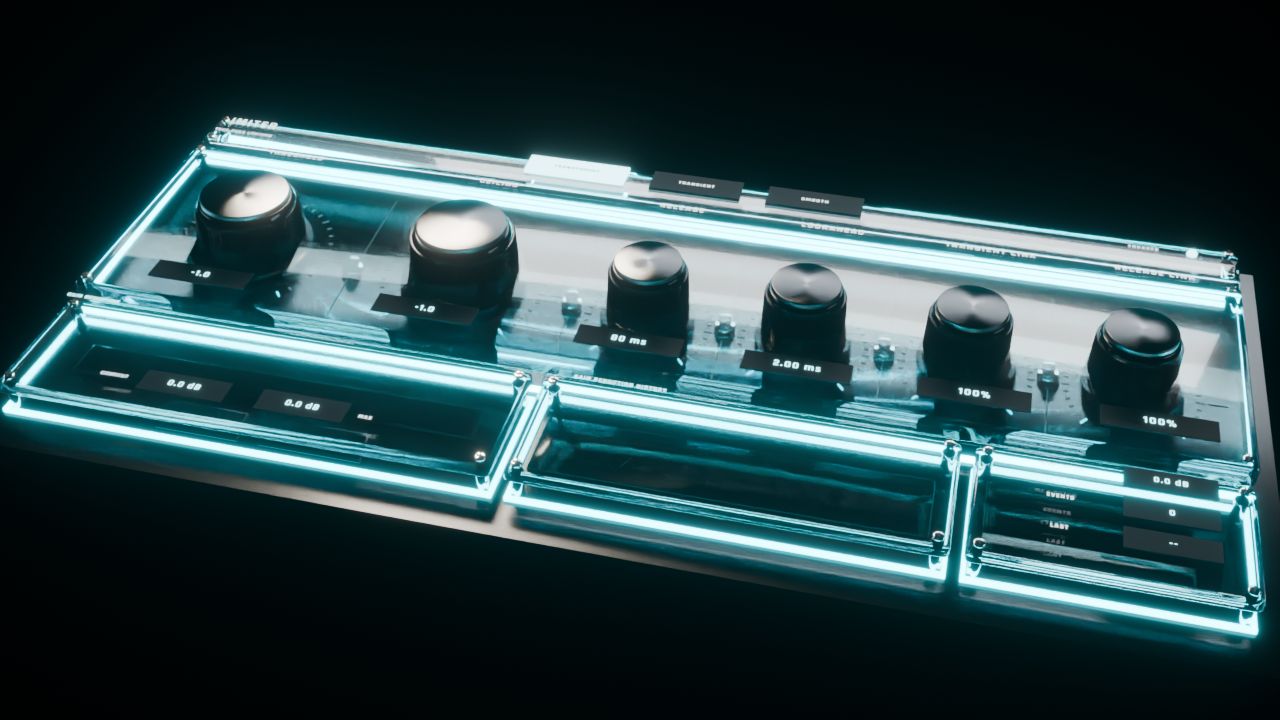
True peak
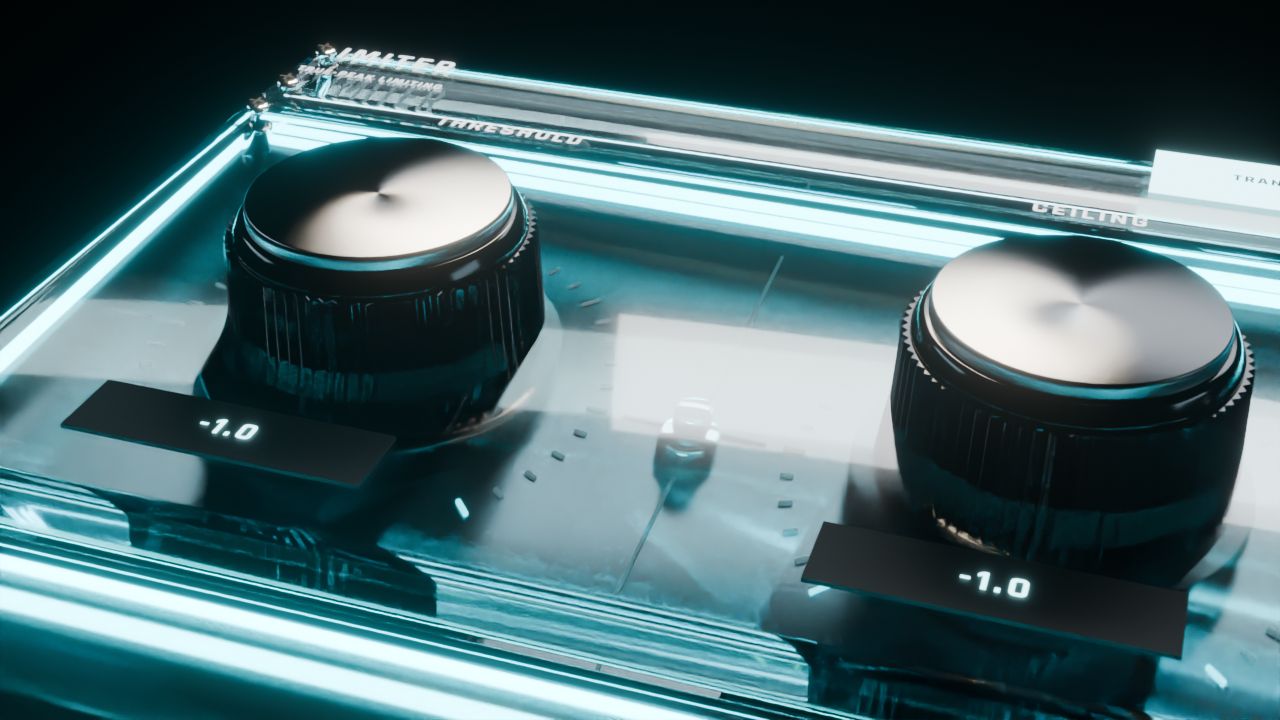
Three modes, and the ceiling holds in true peak. No sneaky overs.
Cinematic vs Clear
Drag the slider across the Dynamics module.. same plugin, two very different moods.
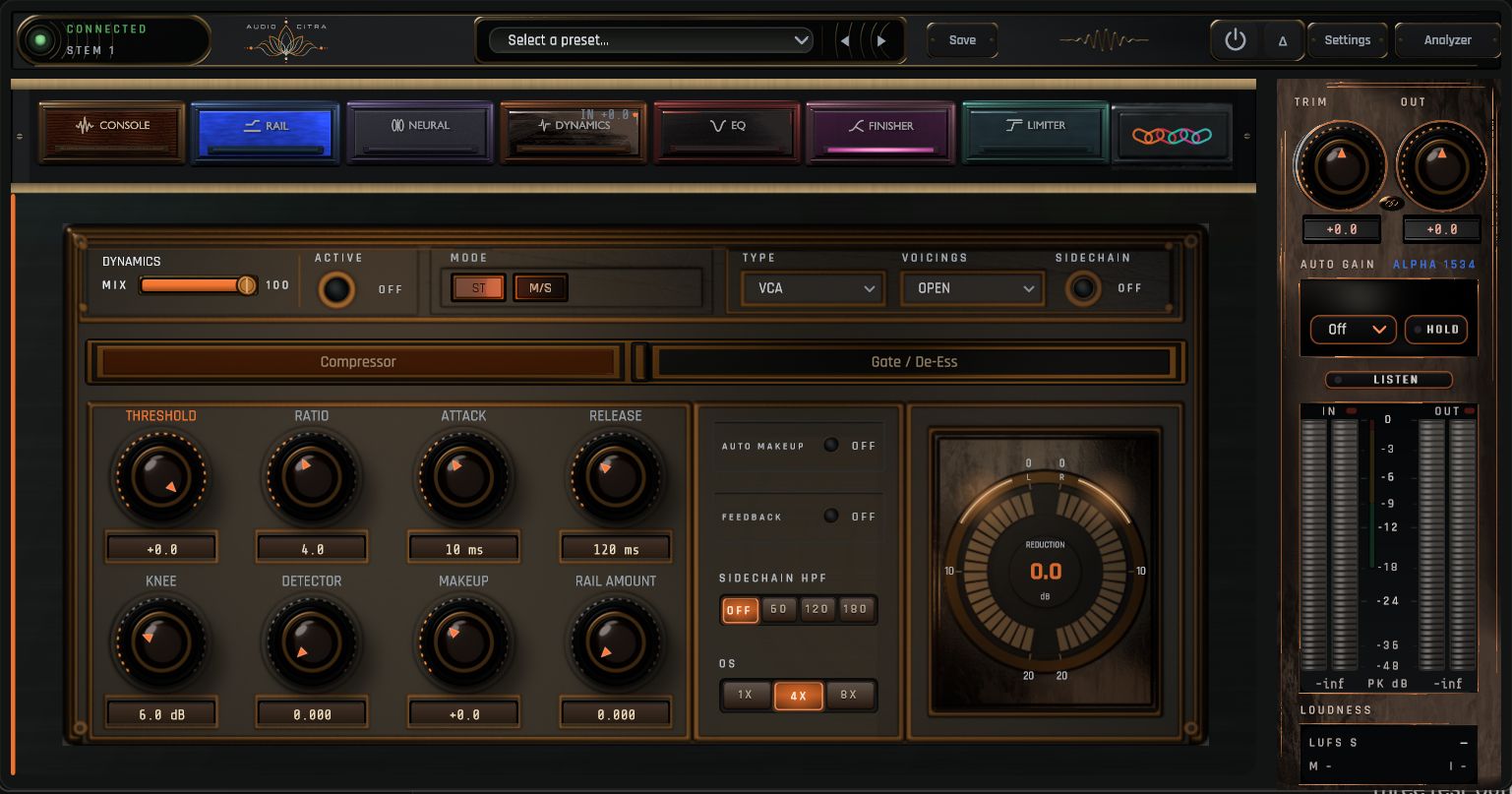
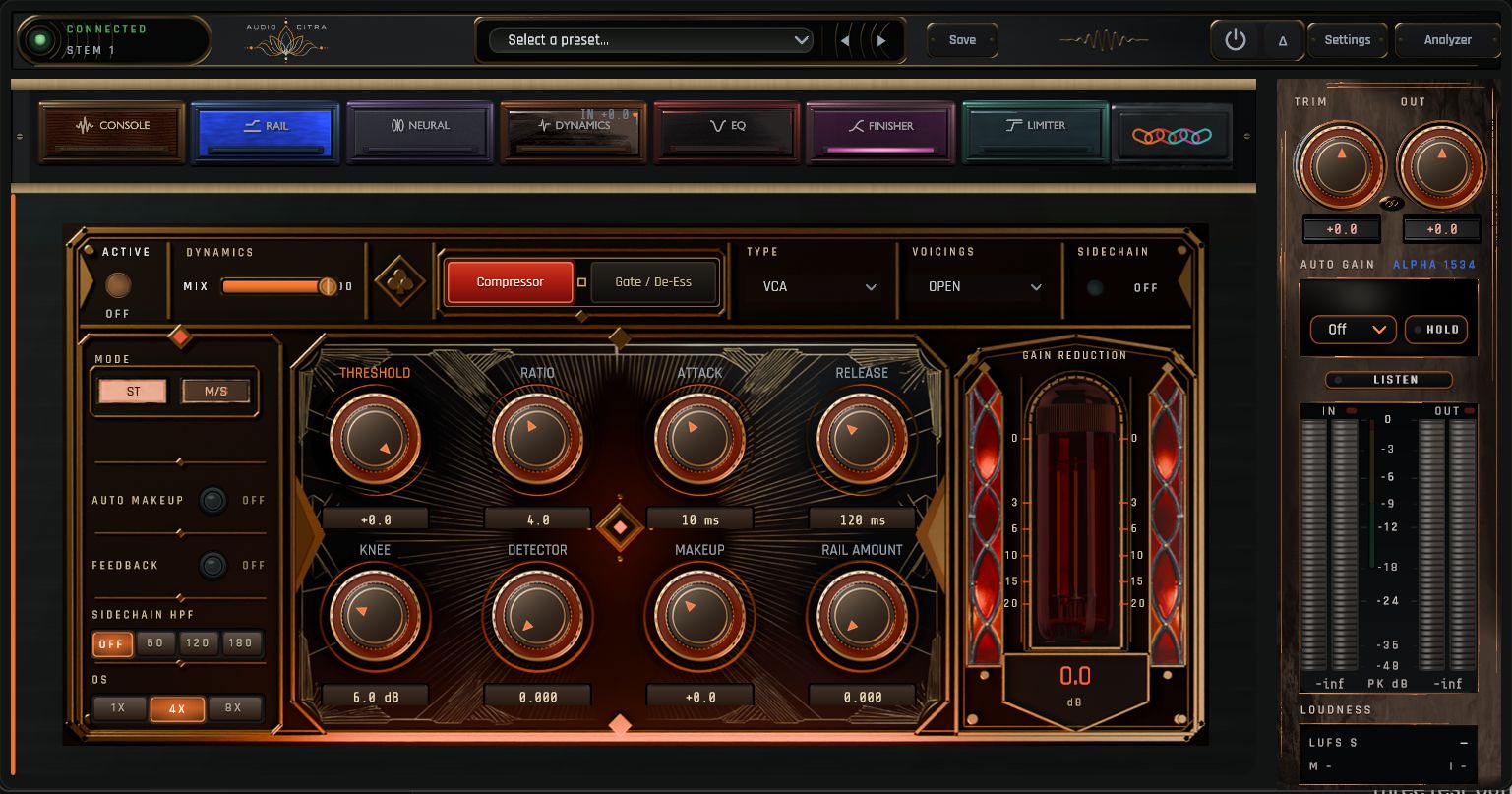 ClearCinematic
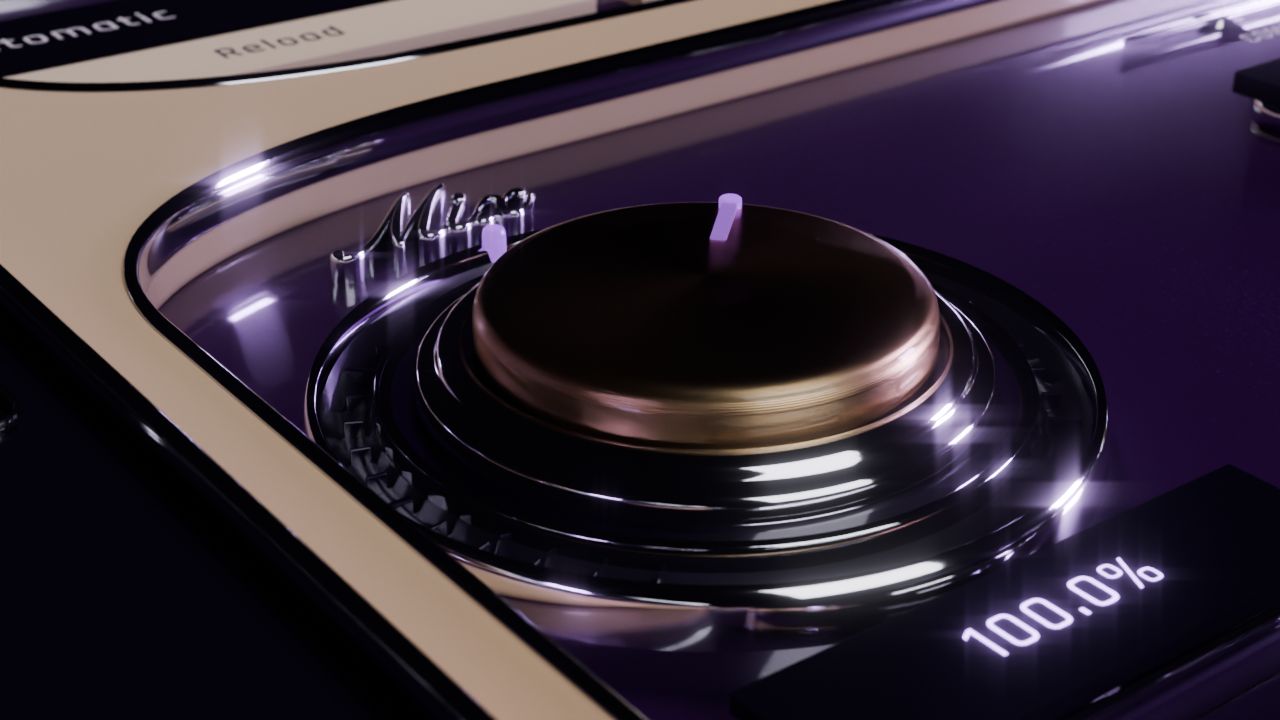
Up close
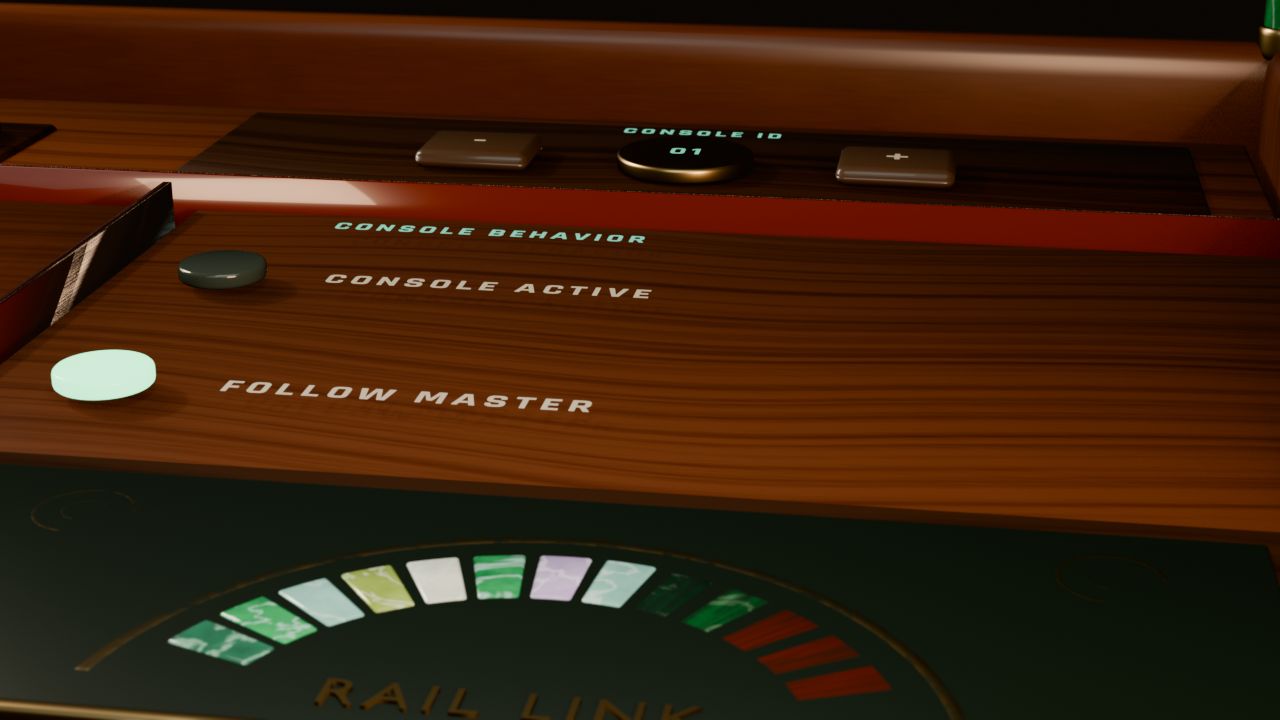
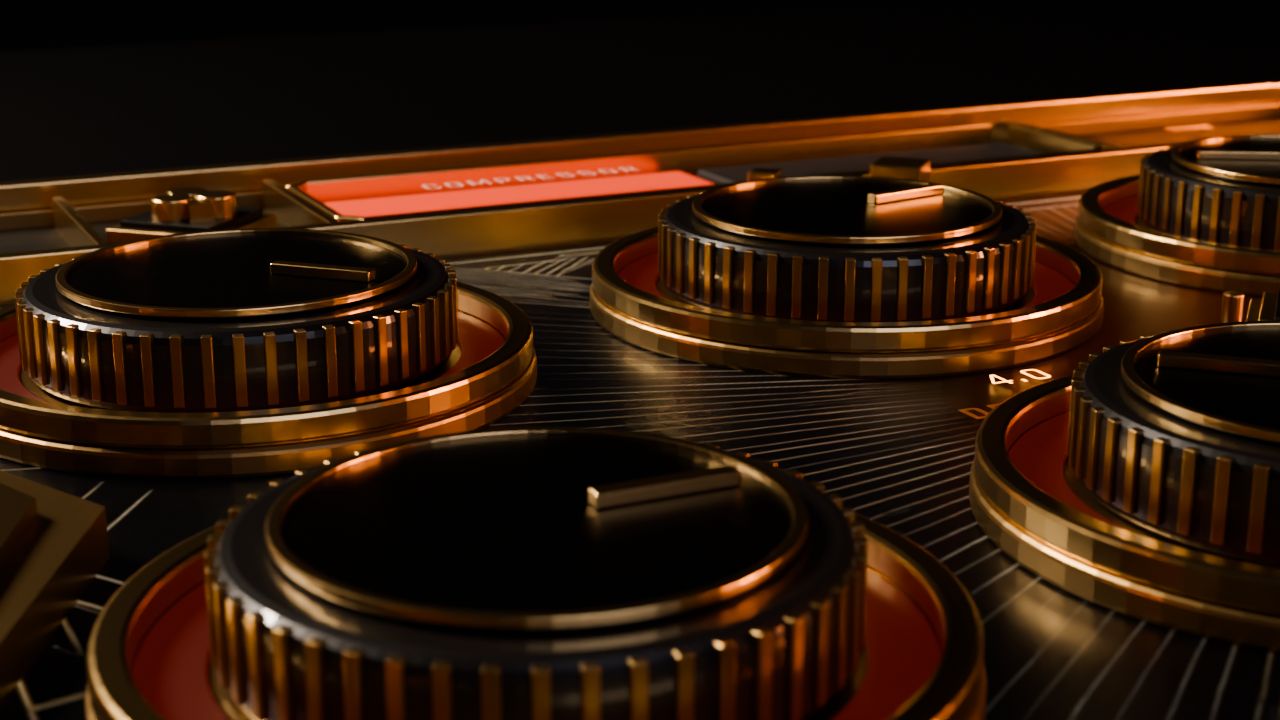
Want to try Spanda?
Trial's coming soon.. I'm almost there
VST3 · Windows 64-bit