Synth filters, let off the leash.
So this one's my playground. Twelve filters I designed myself, a Movement section, chorus and delay.. and you can run those three stages in any of six orders. It's for when a sound just sits there and you need it to move.
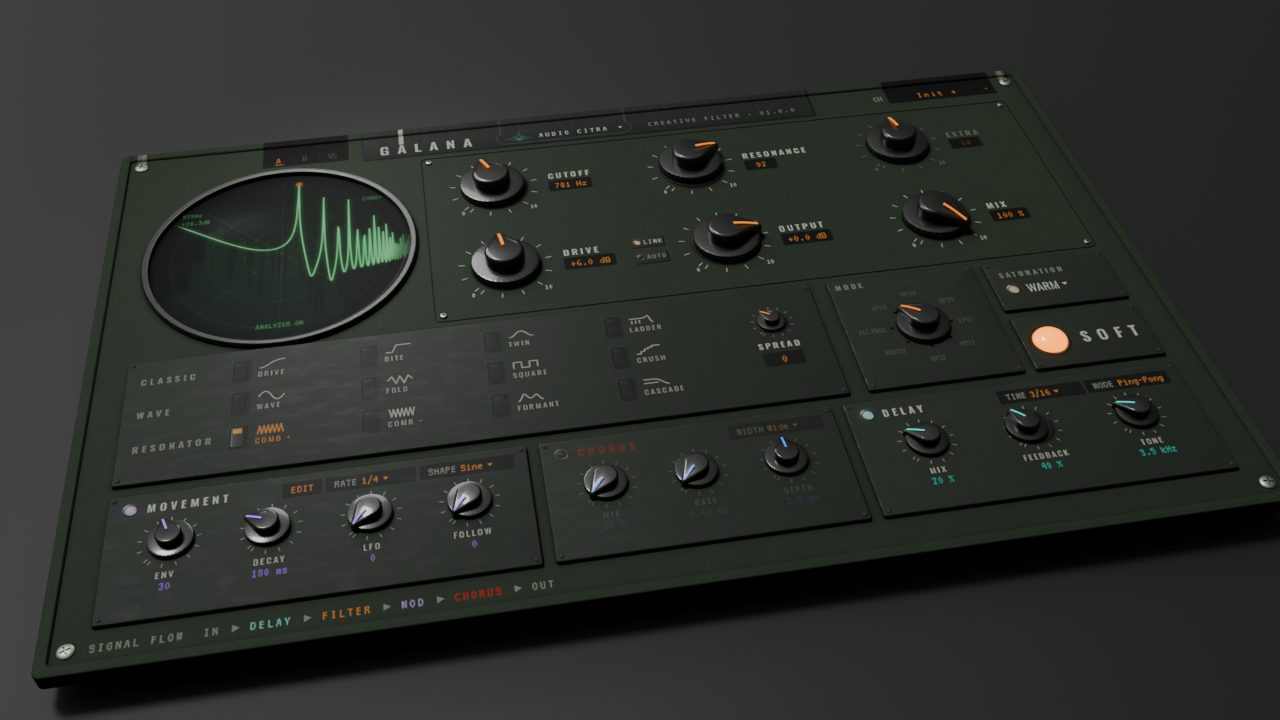
Field Radio skin · 3D render
Ok, here's what's inside.
Twelve filter types
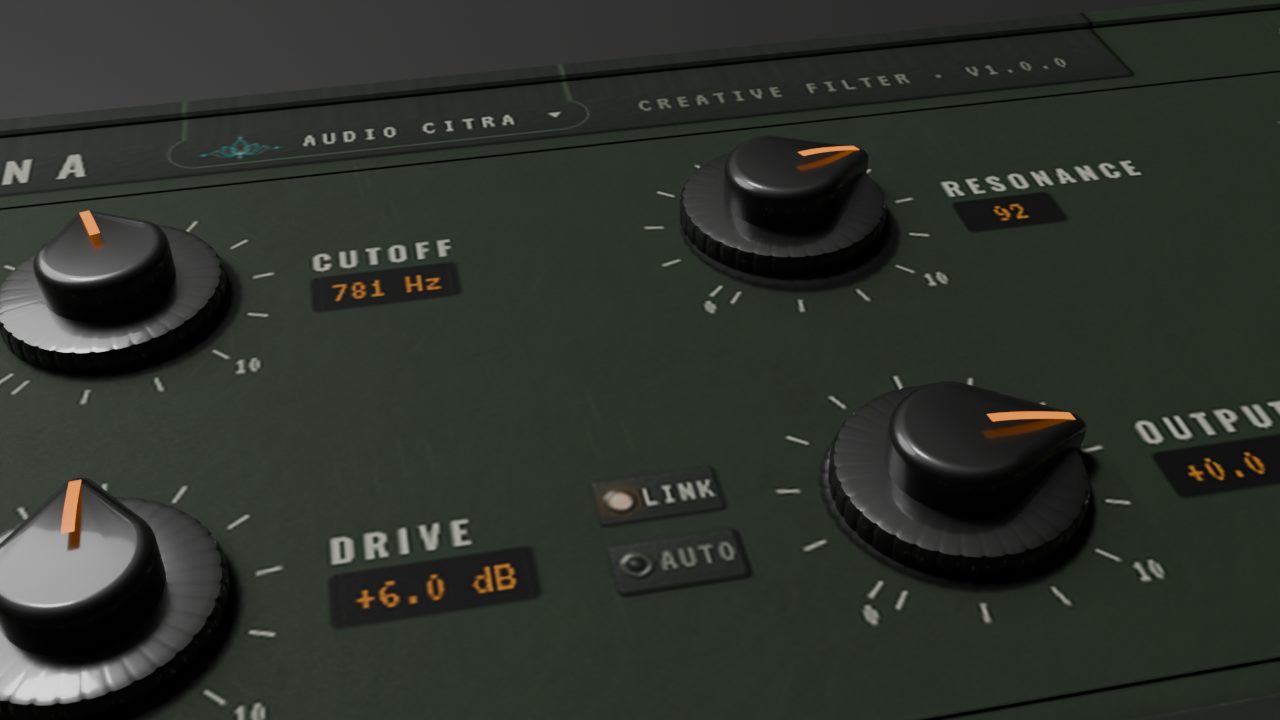
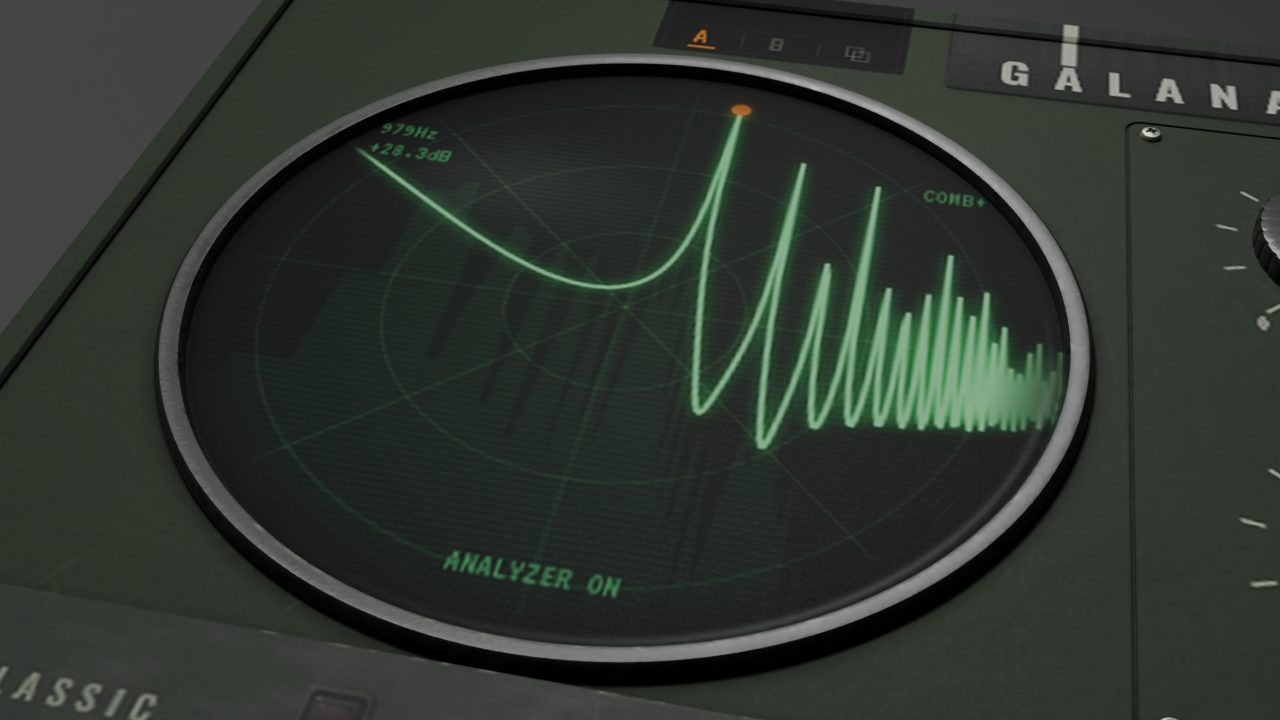
Drive, Bite, Comb +, Comb −, Formant, Twin, Wave, Fold, Square, Crush, Ladder and Cascade. Drive, Bite, Twin and Wave each get eight modes: LP, HP and BP at 12 and 24 dB, plus Notch and All-pass. Nerd note: Bite gets its 24 dB modes by stacking two state-variable stages, which is a big part of why it bites.
12 types · 8 modesMovement
An envelope, an LFO and a follower, all pushing the cutoff around. The LFO goes from a 1/16 note up to 2 bars, or free from 0.02 to 20 Hz, in seven shapes.. Steps, Glide and S&H are my favourites. There's a step LFO too, with 4, 8 or 16 steps you draw yourself and a Glide to smooth them out. The envelope and the follower have their own attack, decay or release, and Movement can follow the input or a sidechain.
Envelope · LFO · followerComb ±
One knob slides you from a feedforward comb into a feedback comb. I put a soft ceiling inside the feedback loop so it can ring like crazy without blowing up on you.
FF → FB · soft ceilingChorus and delay
Four chorus styles: Classic, Wide, Slow and Fast. The delay works in note lengths, with feedback, tone and ping-pong.
4 chorus styles · ping-pongDrive and saturation
Drive goes from -12 to +24 dB into one of nine saturation curves: Clean, Warm, Hard, Fold, Thick and four flavours of Asym. Hit Glue to pull it together, link Drive and Output if you want to push without getting louder, or let Auto Gain handle it.
9 curves · Glue · Auto GainPresets, A/B and undo
Presets with Previous/Next and folders, an A/B compare with a Copy button, and real undo/redo (Ctrl+Z) one move at a time. Presets only hold the sound, never your skin or size. Click the lotus for size (60–200%) and a separate oversampling setting just for offline bounces.
Presets · A/B · undo · render oversamplingSix stage orders
Filter, Chorus and Delay can go in any of the six possible orders.. just pick one from the list. Delay into filter is a whole different animal than filter into delay, trust me. Filter oversampling goes Off, 2x, 4x or 8x.
6 orders · oversamplingOk, have a listen.
Hit play and flip between Dry and Gālana. I matched the loudness on both, so you're hearing what it actually does.. not just "louder sounds better".
Watch the walkthrough.
Every filter type, movement, chorus and delay, and a first sound in two minutes.
I'd rather show you than tell you.
I ran every one of these offline through the plugin itself at 48 kHz. The settings I used are under each plot, so you can check my work.
Pick a finish.
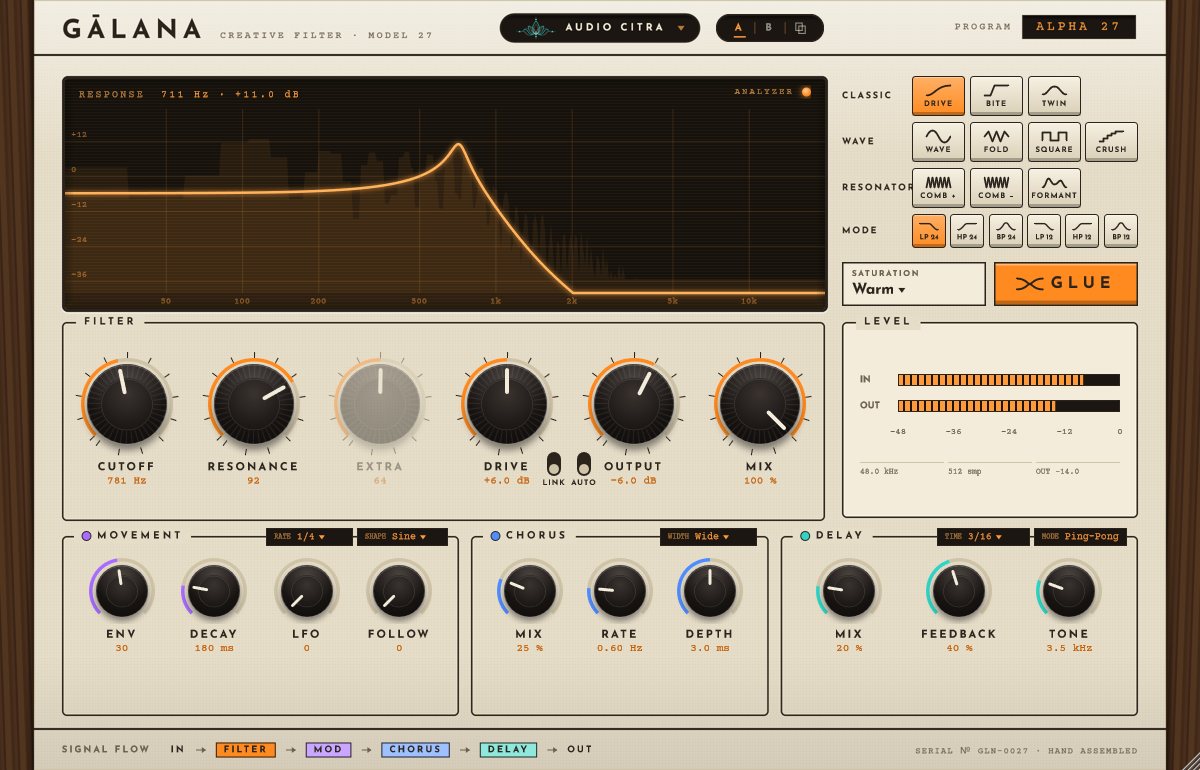
These are straight from the plugin, no mockups. Click around.. I spent way too long on some of these.
Want to try Gālana?
Trial's coming soon.. I'm almost there
VST3 · Windows 64-bit · licence, trial and signed updates right inside the plugin